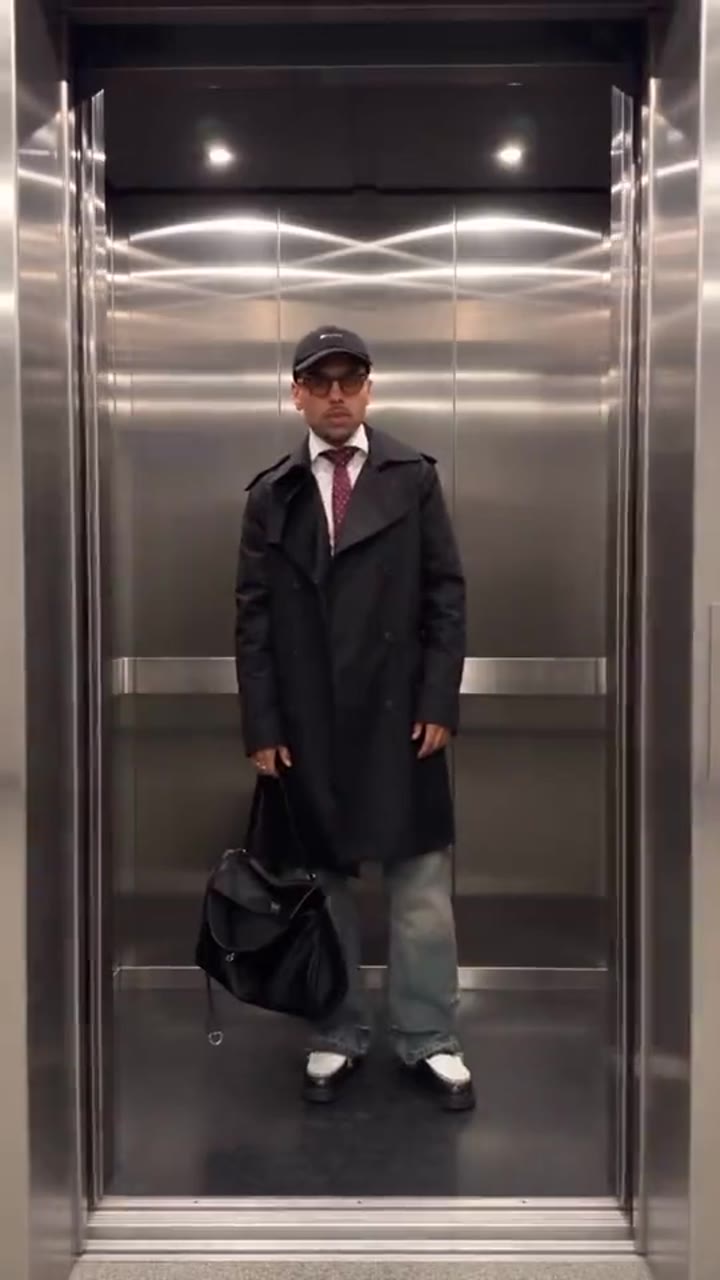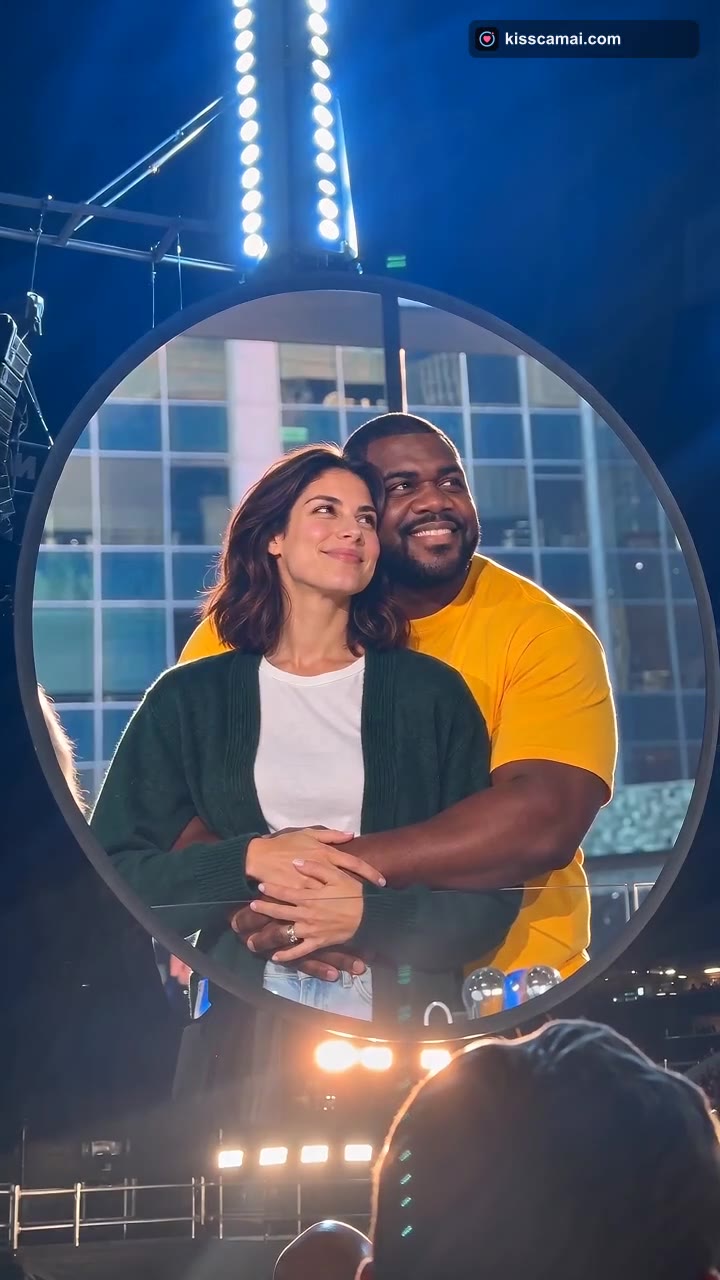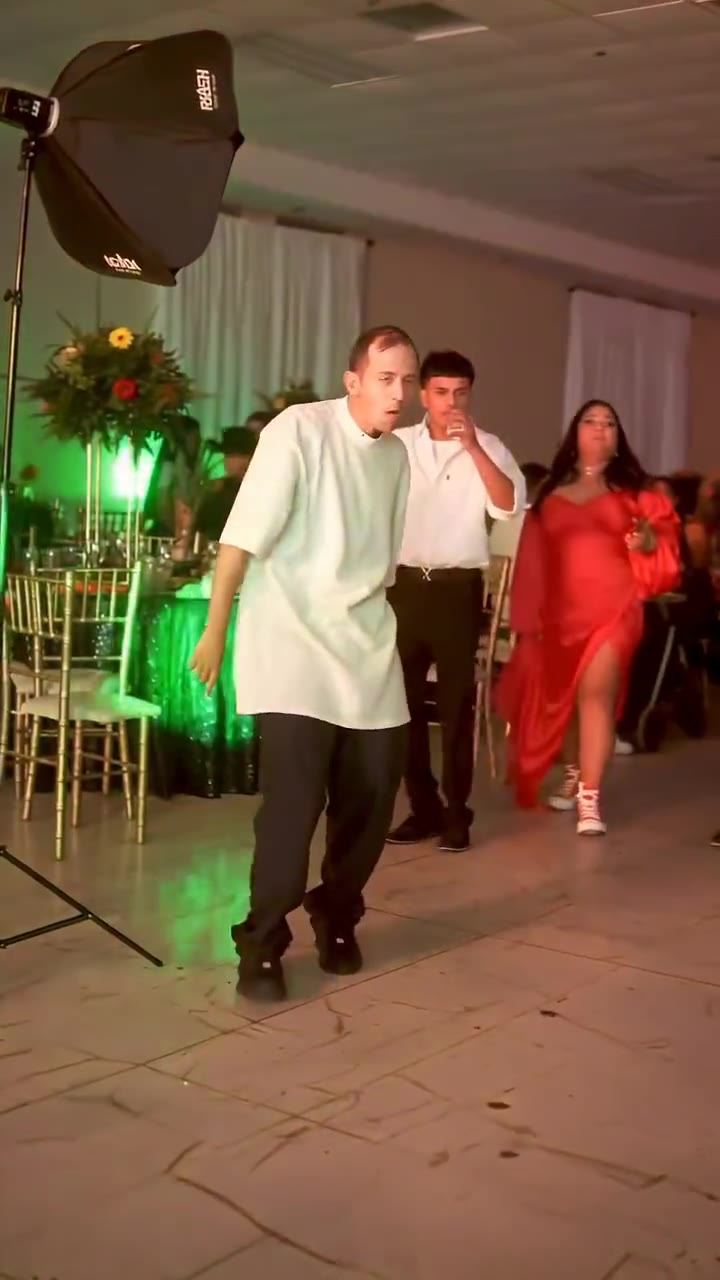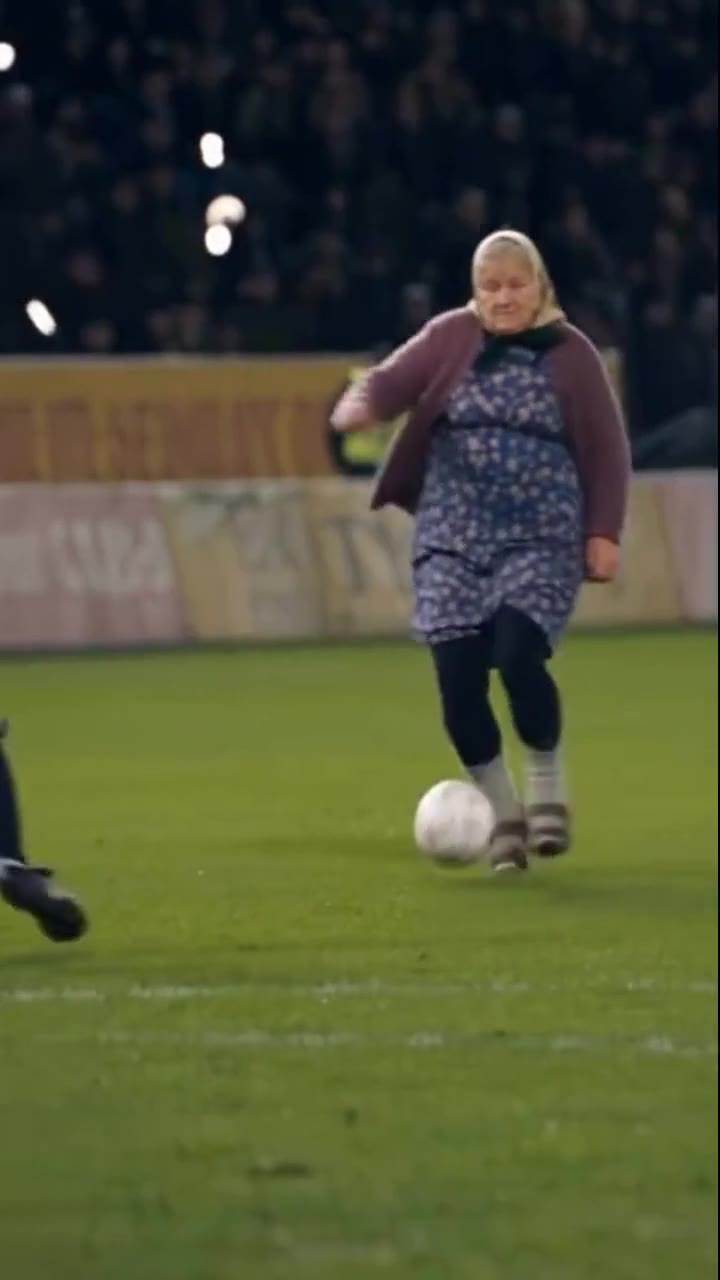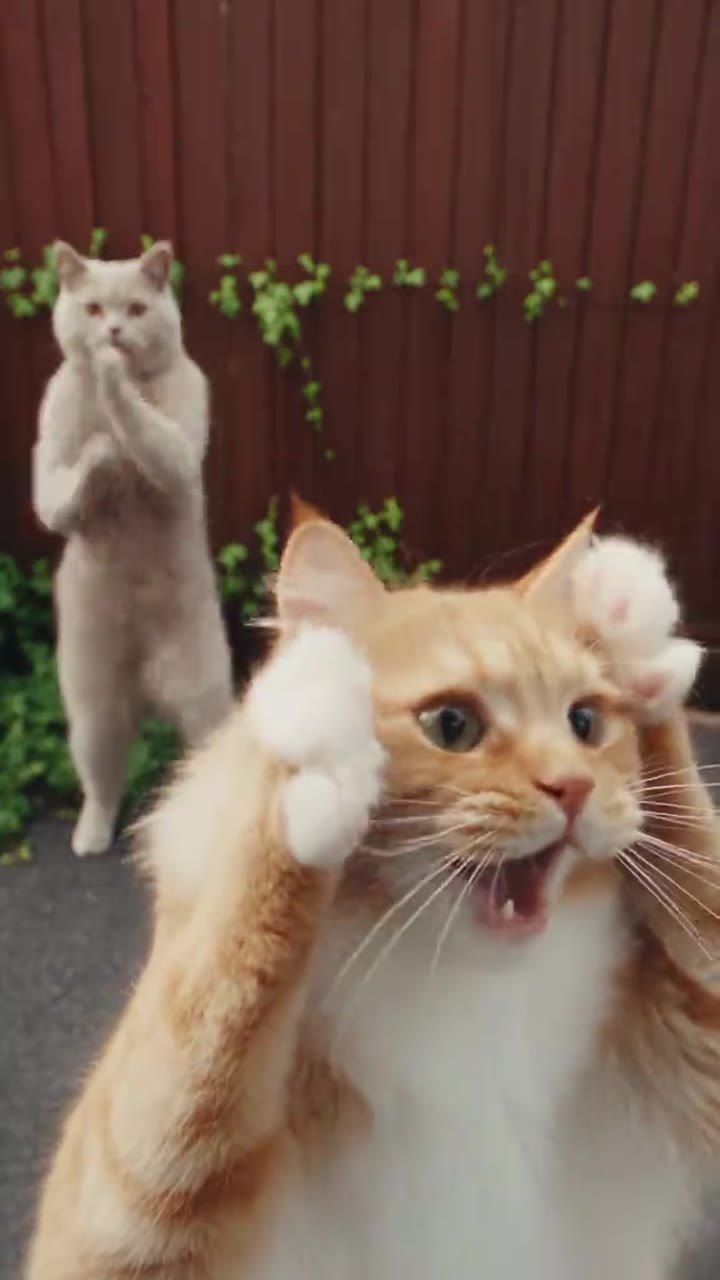
Smalltown Boy
Two people or two pets share an exaggerated reaction before moving together in a playful duet.
2 photos50 credits
View the concept ↗
Turn your photos into short, expressive scenes with our AI video generator. Choose a template for you or your pet, add your photos and soundtrack, and give your next viral video idea a place to start.
Photos and audio only. No video upload needed.


 300+
300+For you, your pets, and every new character.
 Closed on SundaySmalltown BoyElevator Outfit ChangeSawadikaColdplay Kiss CamBby Wow GuyOzil GoalBurning Bridges AIBaby KnightBulin 47 FreestyleHit the Road DudeSpooky Scary SkeletonsTopo Gigio CelebrationZombie Couple Love StoryFlying Tesla RoadsterBabydoll Two-Step DanceHug in HeavenCrazy FrogHotel LobbyRumpelstiltskin DanceAlors On DanseRaindance AISingle Ladies Dog DanceGang Gang DanceI Wanna Love You Cat
Different creators. Different ways to make a scene your own.
“My cat already thinks she’s the main character. I just want a scene that agrees.”
Maya Chen“Same face, a completely different entrance. That’s the transition I want to make.”
Alex Rivera“I’d rather start with a photo I love than an empty editing timeline.”
Nina Park“The scene catches your eye. The right soundtrack makes it yours.”
Jordan EllisChoose a scene. Add a clear photo for each role. Select your audio and check the credits before generating.
Use well-lit photos with a clear subject. Results vary with the input and model. Uploaded music is added after generation; it does not change lip sync or dance timing.
Viral Video Tool is an AI video generator for turning photos into short scenes. Choose a template, add photos for its roles, select audio and review the credit cost. The template gives your idea a direction, while your photos supply the recognizable subjects.
A viral video needs a clear idea: a surprising entrance, a pet performer, or an outfit reveal. Available templates help you explore those ideas, while reach still depends on your audience, timing and distribution. Browse published scenes and distinguish them from concepts still being tested.
Explore AI video templatesStart with the scene rather than the upload button. Read the template description and check the number of photo roles, clip duration, format, and credit cost. A single character scene and a two pet scene need different inputs. Choose a template that matches the photo you already have, or take a new photo with the intended composition in mind. If a concept is still in testing, use its detail page to understand the idea and availability before planning a post around it.
Upload one suitable image per required role, choose audio, confirm permission and review the credit requirement. Follow submitted tasks in My creations. Review the result before sharing. Confirmed failures reverse the original credit consumption; purchasing credits and submitting a generation remain separate actions.
Find your video creationsA photo to video generator needs a clear subject, even lighting and enough room for the intended movement. Keep faces and important body features visible. Avoid heavy filters, extreme angles and tight crops. A sharp photo with a simple background helps you judge the result.
Two roles need two separate photo inputs. Follow the upload form’s file types and limits; extracting a frame from a video does not transfer its movement. This photo to video workflow needs no uploaded reference clip. Keep your original photo for future scenes.
Explore AI video templatesPet photos carry an advantage that complicated effects cannot manufacture: people already have a reason to care about the subject. A curious cat, an expressive dog, or a familiar pair of pets can make a simple scene feel personal. When exploring an AI pet video generator, look for a template designed for the subject and number of roles you want. A two pet idea is different from placing two animals into a template intended for one character.
Keep ears, eyes and recognizable markings visible against a simple background. A clear reveal often suits a viral cat video or funny dog video. Check appearance before posting. Testing templates remain concepts, and the homepage’s inspiration photographs are not generated output samples.
Explore AI video templatesMusic changes how a short clip feels, but it is useful to separate a soundtrack from motion generation. An uploaded track can accompany the finished video without controlling the character’s mouth movements or choreography. If you need a specific dance or lip sync effect, look at the actual template description and reviewed sample rather than assuming that any song will create matching movement. This makes the difference between an appealing idea and an avoidable mismatch.
Choose an audio mode offered by the scene: cleared template audio, your own recording, or silence. Upload only permitted material. A social platform’s music library does not automatically license an external commercial upload. Check picture and sound together before publishing your video.
Read the photo and music rights guideA search for a free video generator can describe several different needs: browsing ideas without paying, trying a short generation, or exporting unlimited videos. Those are different offers. You can explore the public template collection and read scene requirements before choosing whether to create an account or buy credits. Video generation on Viral Video Tool uses credits. Do not assume that browsing without payment means every render is free, or that a trial includes unlimited downloads and every template.
If your account receives promotional credits, review their amount, expiry and eligibility. No permanent free allowance is promised. Compare your balance with the template’s cost before submitting, and read the refund policy separately: reversing failed generation credits does not automatically refund a purchase.
Compare video credit packsA useful viral video maker should leave room for your judgment. Before sharing an AI generated clip, watch it from beginning to end and check whether the subject still looks recognizable. Look at faces, paws, hands, clothing, and anything that moves across the frame. Unexpected details can appear when a model interprets a photo, and a short clip can still need a second attempt or a different source image. Keep your expectations tied to the actual reviewed template sample.
Check the soundtrack’s volume, start and finish. Add captions when context needs them. Use authorized photos and avoid implying endorsement without consent. If a scene is unavailable, try another published template. Inspiration photographs do not replace a real, reviewed generation sample.
Explore AI video templatesCompare an online video generator by its inputs, scene control, costs and failure rules. Text to video starts from written instructions; photo to video starts from an existing subject; a traditional editor organizes footage. Choose the workflow that fits your idea.
Viral Video Tool focuses on photos and defined short scenes. Check roles and samples when choosing an AI video generator from images. Plan an additional editor for detailed subtitles, timeline editing or long stories. Compare the complete workflow, from preparation to publishing.
Compare video credit packsGive each new scene one clear job. A pet clip might introduce a recurring character. An outfit transition might reveal a change in mood. A personal video might turn a familiar face into an unexpected performer. Write a short caption idea before generating so you know what the finished clip needs to communicate. That small decision helps you choose between templates instead of spending credits on effects that do not fit the story.
Keep useful original photos and review every result before posting. Return to My creations for finished tasks and the template collection for a new direction. Whether you need viral video ideas or a video generator for social media, start with a subject you care about.
Explore AI video templatesOne-time credit packs. Each template shows its own credit cost before you create.
Start with a scene you love.
$9.9
one-time · USD
Make room for more ideas.
For your next creative streak
$25.9
one-time · USD
Keep your next projects moving.
$45
one-time · USD
Your photos, your credits, your next video. Here is how it works.
No. Upload only your photos and optional audio. Reference clips are managed by the platform.
Music is normally added after generation. It does not control the movement or lip sync.
Confirmed failures reverse the original credit consumption. Original expiry applies. Check your task page for the reversal status.
Browsing templates is free. Generation uses credits at the price shown on each tool page. Any promotional credits appear in your account; free renders are not guaranteed.
Use a clear photo with one subject, even light and an unobstructed face. Follow each template’s framing guide and fill every required photo slot.
Yes, choose a template that accepts pets. Keep the eyes and ears visible and avoid busy backgrounds. People-only templates may not suit animals.
No tool can guarantee views. A recognizable scene, a strong opening and a caption suited to your audience can help you develop a better post.
Review the downloaded result, check the template’s aspect ratio and follow each platform’s music, consent and AI-labeling rules before posting.
Timing depends on the model and queue. Follow progress in My creations. You can return to the task page after leaving the generator.
The current video packs are one-time credit purchases. Each template displays its own cost; check your credit history for grant and expiry details.
Only upload images you have permission to use. Obtain consent from recognizable people and check music and other rights before sharing or commercial use.
A concept page can be explored before its generator is ready. Generation stays disabled until model settings, output quality and rights checks are complete.